


Find your
store’s look.
Explore 17 Classic themes, then make one yours with your products, photos and brand.
Explore the collection
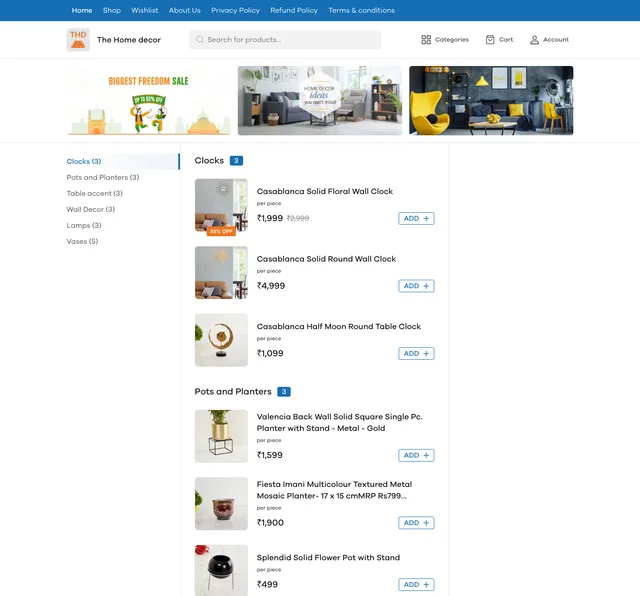
7 free themes and 10 premium themes in the Classic catalogue. Your dashboard shows the themes available for your store and plan.
Open a screenshot for a closer look. These are example storefronts; customise and preview your own store in the dashboard.
View screenshot
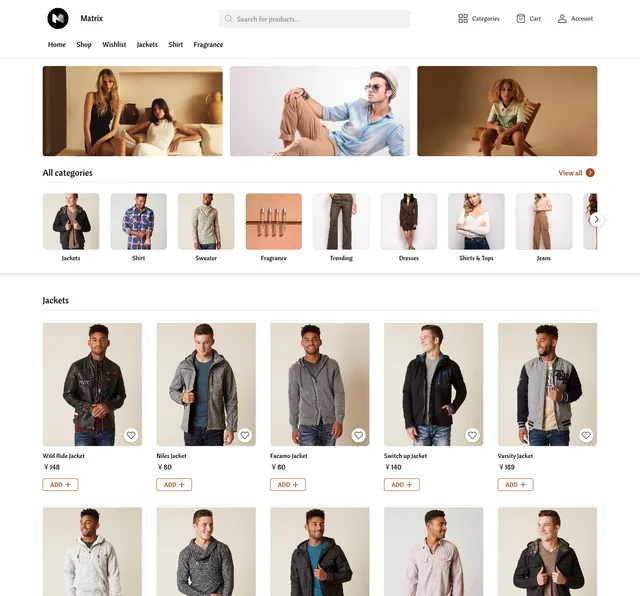
Matrix
Free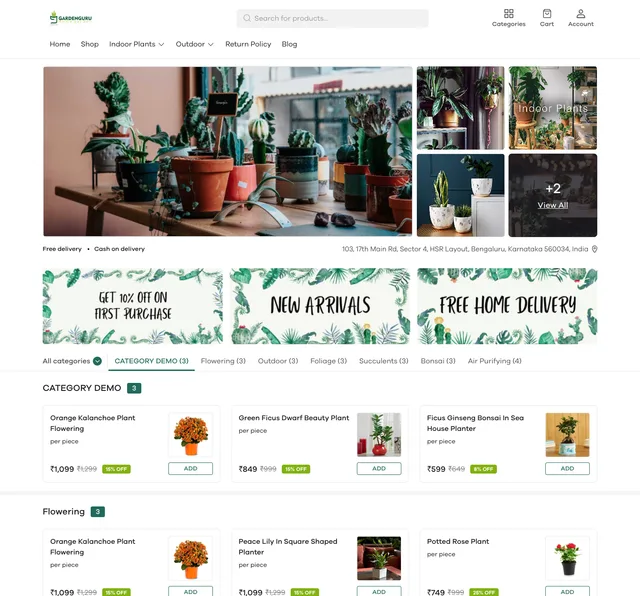
Leo
Free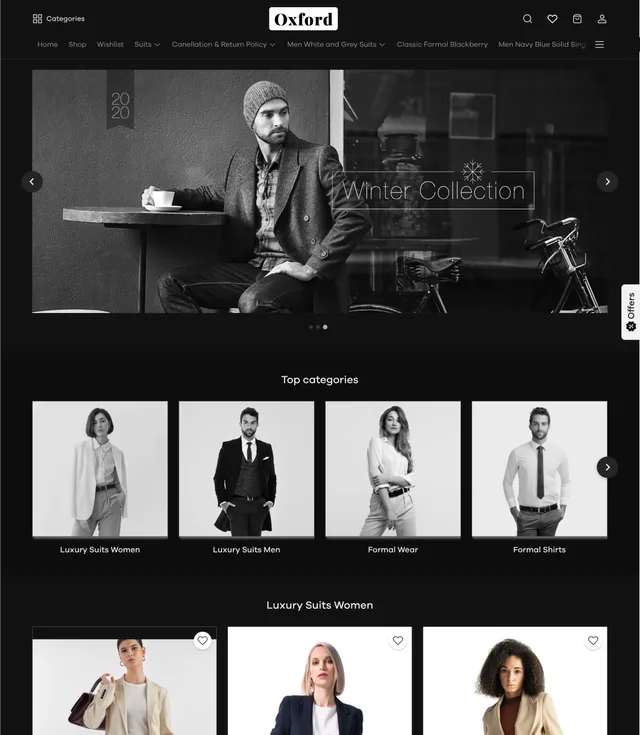
Oxford
Free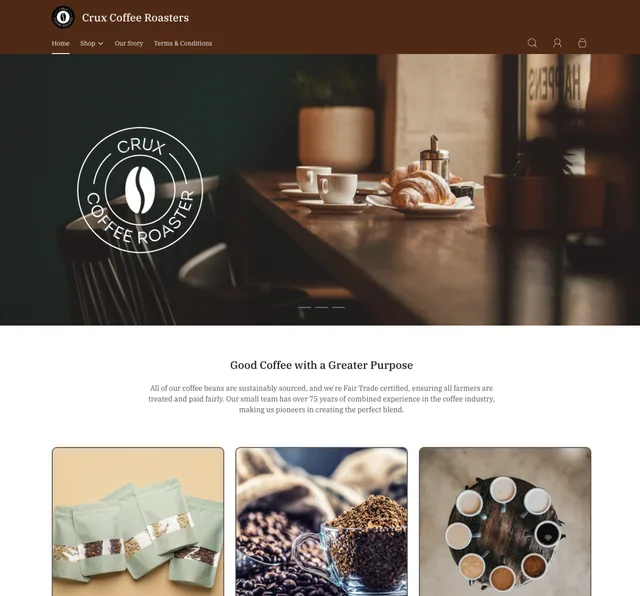
Nirvana
Free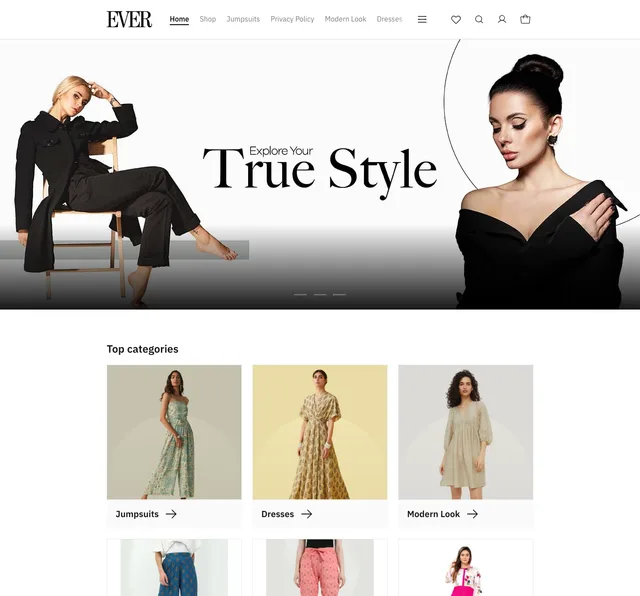
Mana
Free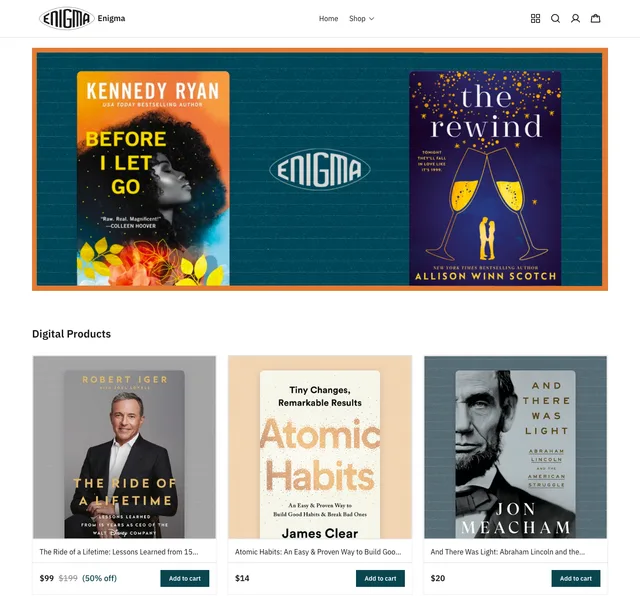
Enigma
Free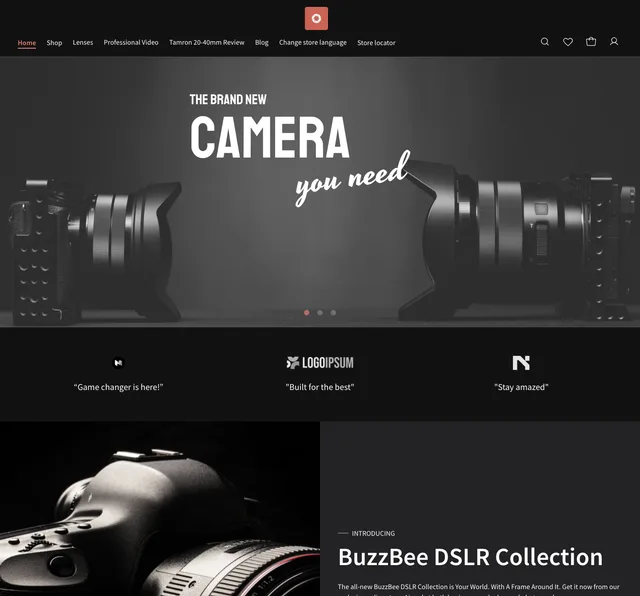
Ursa
Premium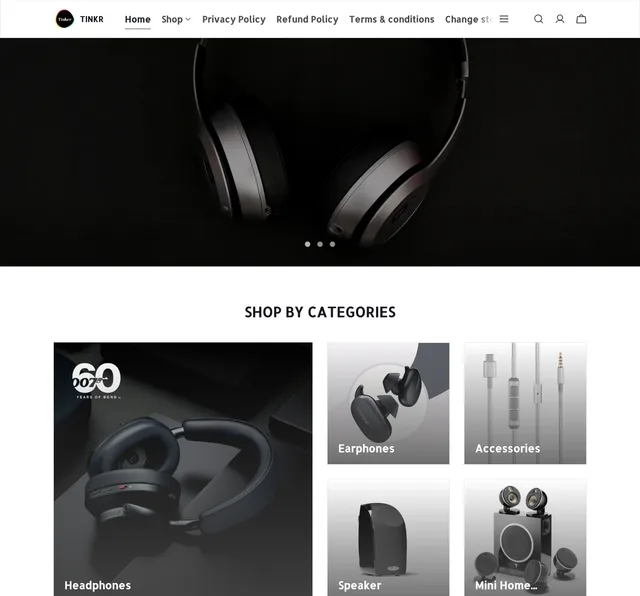
Tinker
Premium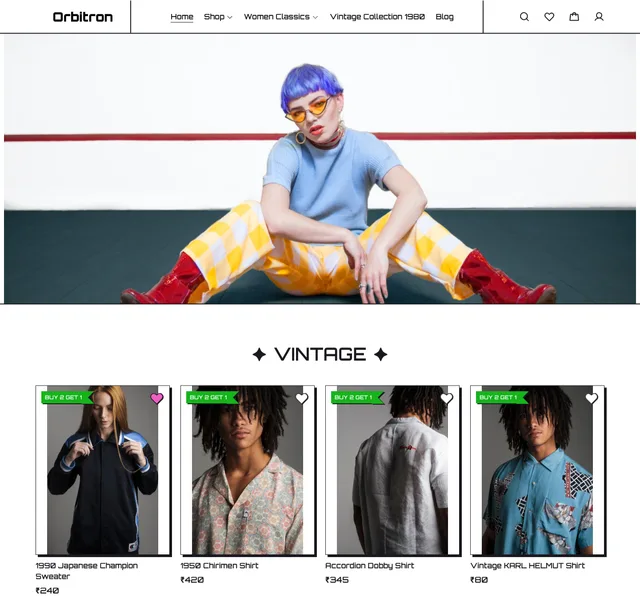
Amaze
Premium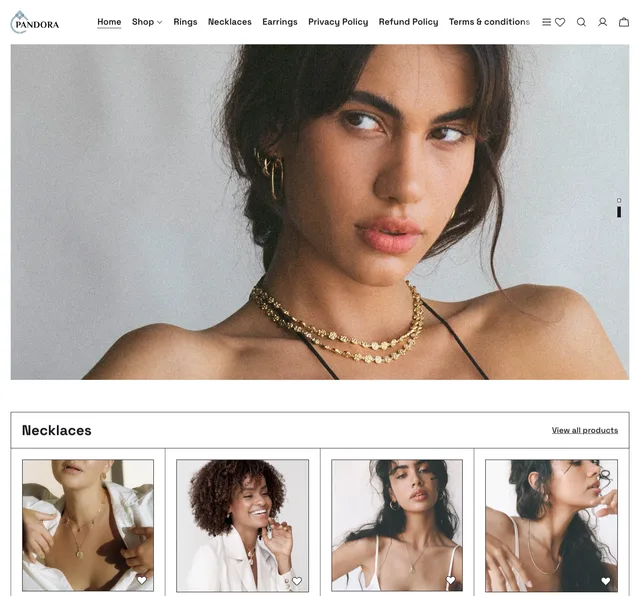
Hawaii
Premium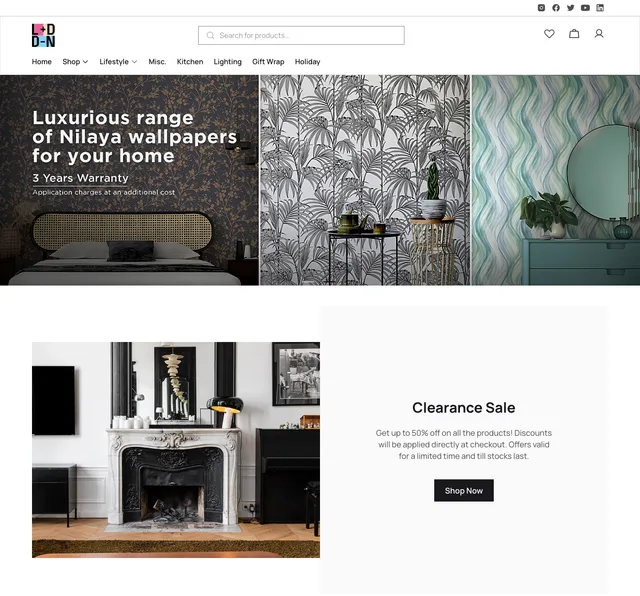
London
Premium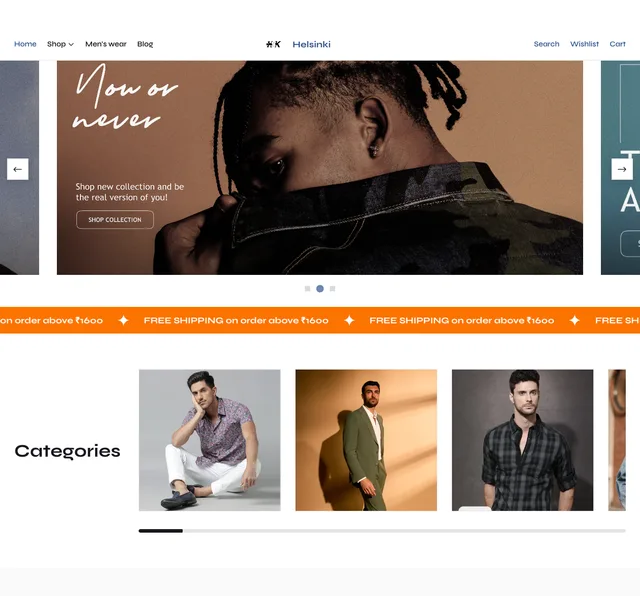
Helsinki
Premium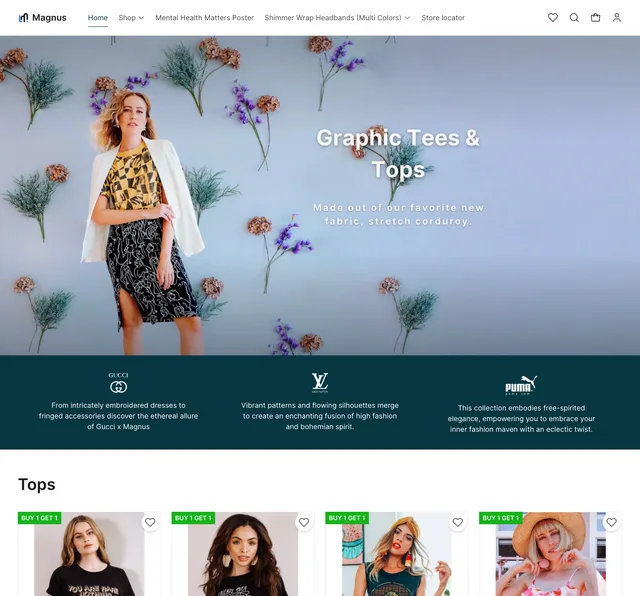
Magnus
Premium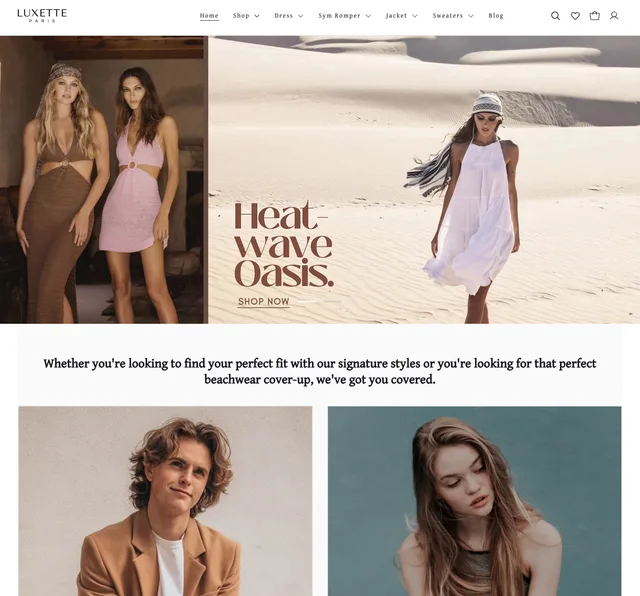
Impulse
Premium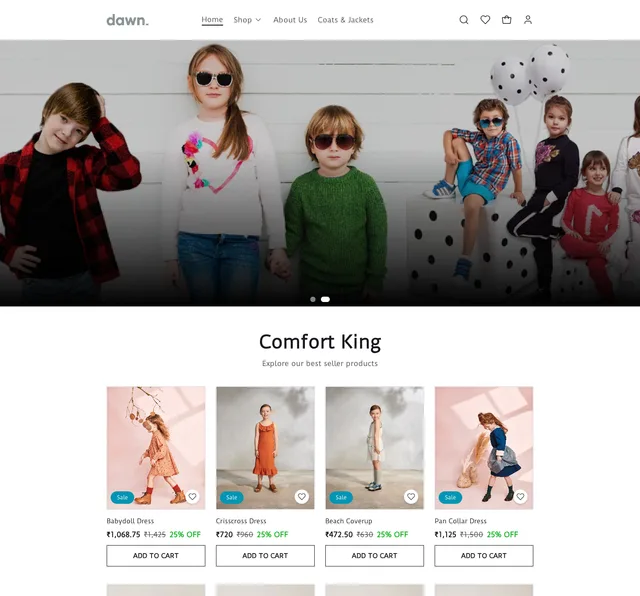
Dawn
Premium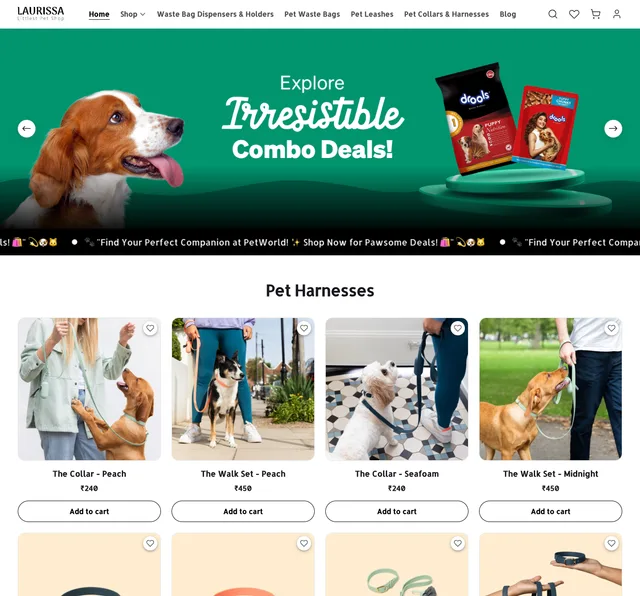
Juggernaut
PremiumMake it yours.
Then publish.
Open Appearance → Themes in your dashboard and select Customise. The editor shows your changes in a preview before you publish them.
Customise your theme
Use the theme editor to change the available colors, fonts, images, page sections and footer content. Controls vary by theme.
Check both screen sizes
Switch between desktop and mobile previews. Check your product photos, text and navigation before updating your store.
Publish when ready
Your customisation stays in the editing session until you select Publish. Publishing applies those changes to your storefront.
Choose with your products in mind.
Look at how much space the theme gives each product, how categories are presented and how your photos fit. A screenshot is a starting point; the preview helps you judge the store with your own content.
Check long product names, images and menus on mobile as well as desktop. Manage promotional banners, pages and navigation through the separate Appearance tools.
Start free